
In LearnWorlds, you can automate school emails to be sent to your users when certain key events take place, such as course enrollment, registration, subscription renewal, and more.
This article is a guide to crafting your school email outlines with the aid of our powerful AI assistant. By doing so, you can optimize efficiency and save valuable time.
You can choose LearnWorlds as your AI provider for access to outstanding AI features, with AI credits determined by your subscription plan. Apart from our AI assistant, you can connect your own OpenAI provider.
To utilize our powerful AI assistant to craft your school's Email Notifications:
1. Navigate to Communication → School emails.
2. Choose an email template.
Generate school emails
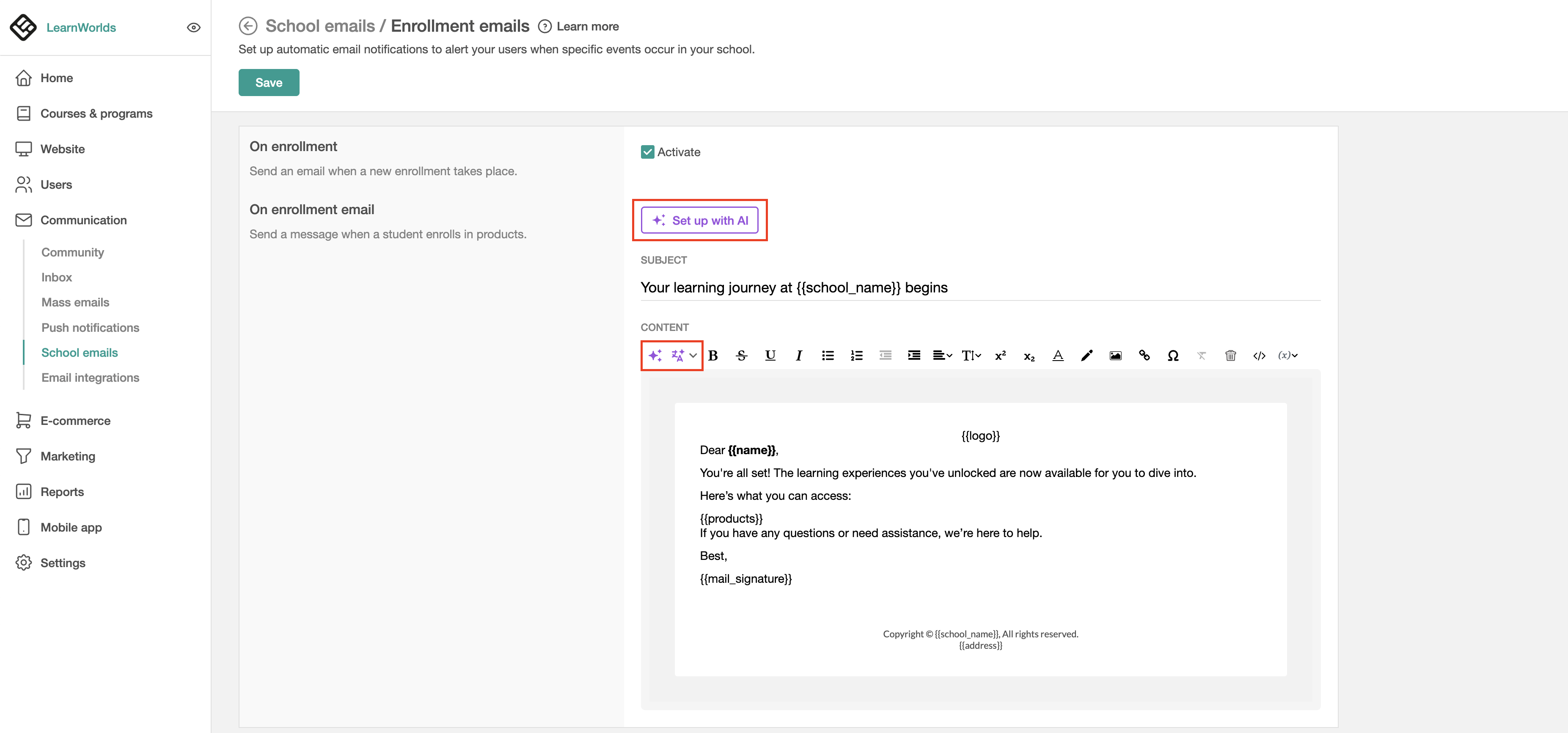
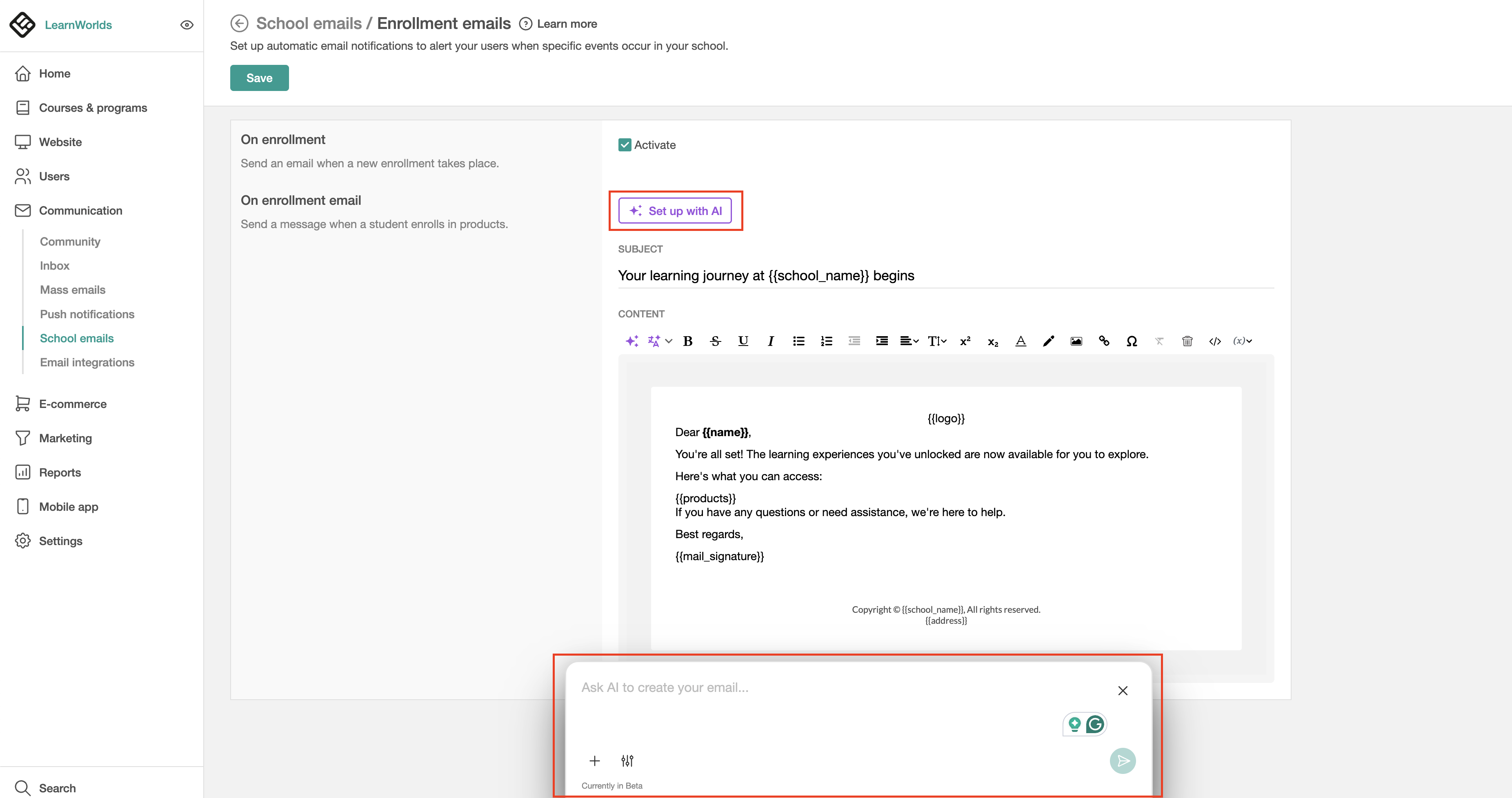
Click on Set Up with AI to generate school emails from scratch. Use the dialogue box to set the goal of the notification, keywords for the email notification, and the tone of voice (i.e. friendly), and insert the AI-generated content.
Edit school emails
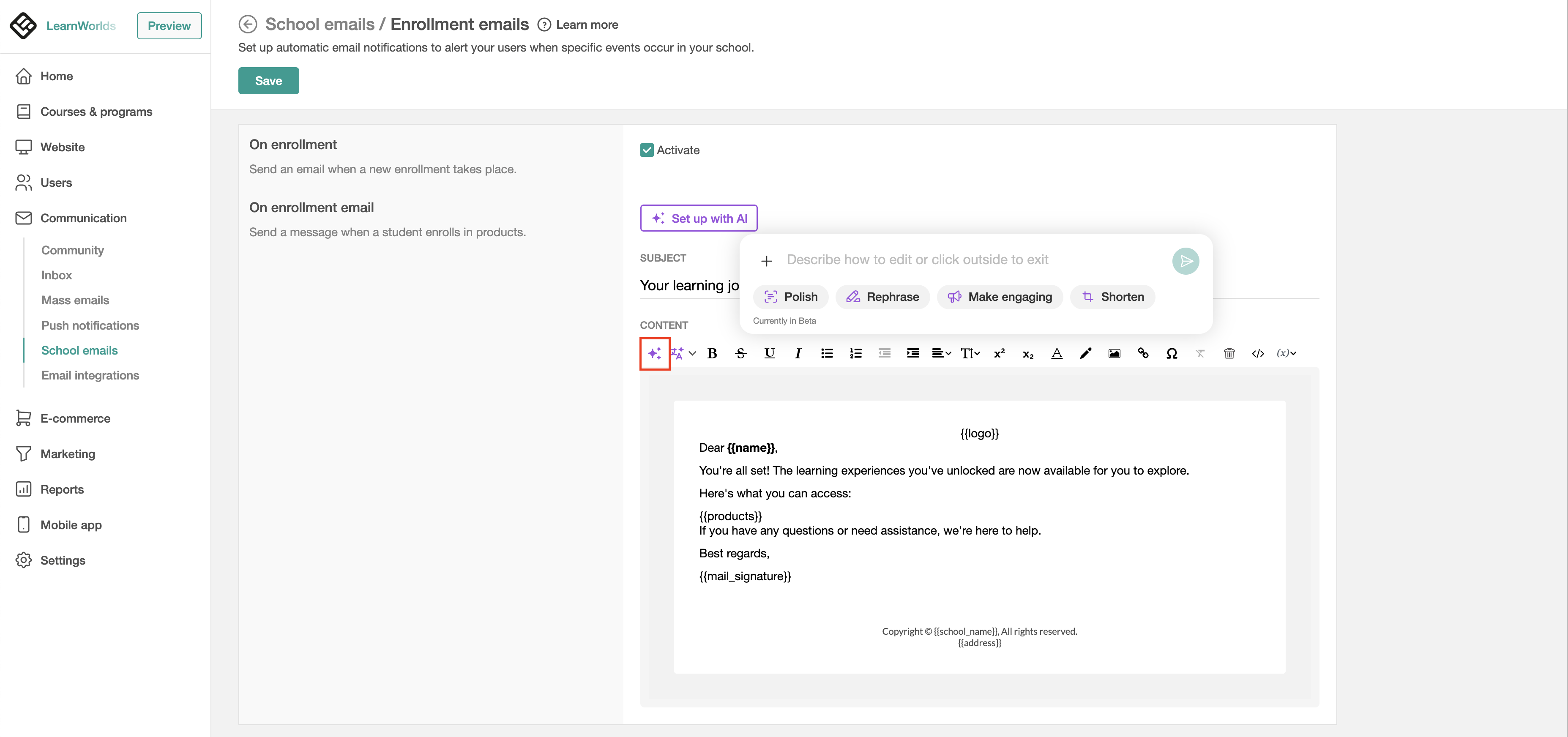
To edit the email templates using AI, use the AI assistant widget button on the left side of the content toolbar. Hence, if you don't wish to generate emails from scratch with AI, you can polish, rephrase, make them engaging, or shorten, or use the dialogue box to give more info about the final look and feel.
Translate school emails
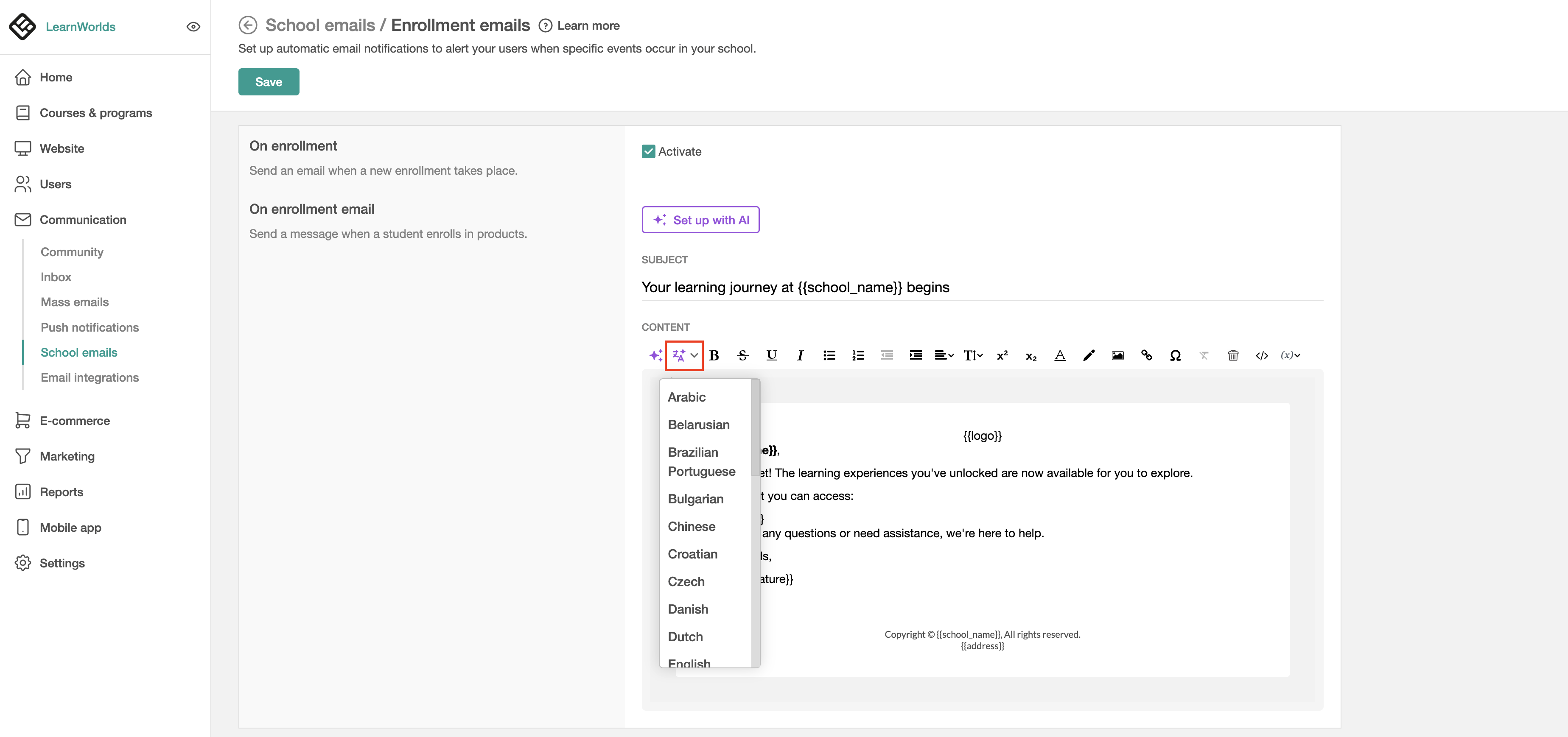
Use the AI Assistant to translate the notification emails into the preffered language.

After generating, editing, or translating your school's emails utilizing our AI Assistant, make sure that the email variables are in the correct format {{variable}} and/or email links are added correctly.