
The Extra Emails Add-On allows you to extend your school’s email-sending capacity beyond the limits of your plan. Whether you run frequent campaigns, announcements, or learner notifications, this add-on ensures your communications never stop.
How the Extra Emails Add-On Works
All LearnWorlds plans include a number of email credits each month. Once your plan’s email quota is reached, additional emails cannot be sent unless you have activated the Extra Emails Add-On.
The Extra Emails Add-On provides additional monthly email credits so you can continue reaching your learners without interruptions.
 Each add-on grants 50,000 extra email credits per month.
How to Enable the Extra Emails Add-On
- Log in to your LearnWorlds Admin Dashboard.
- Navigate to My Account → Account & Billing.
- Under Add-Ons, find Extra Emails.
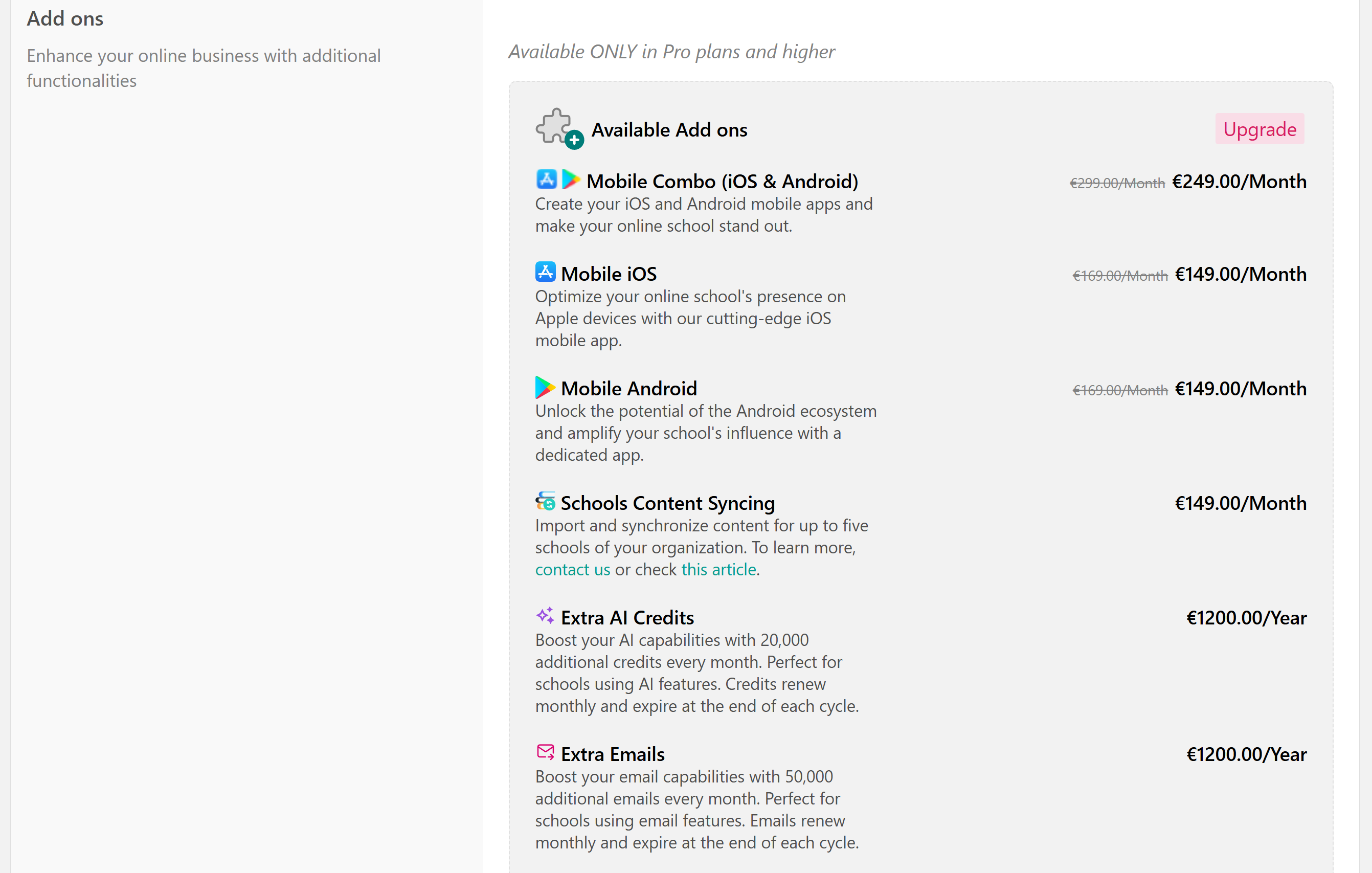
- Click on it to activate it.
- Your new email credits will be provisioned automatically within minutes.
Once activated, your total available email credits will be updated in the mass emails tab.
- The add-on renews automatically with your main subscription.
- If your school downgrades or cancels, all active add-ons are automatically canceled, and remaining credits expire immediately.
- Unused credits do not roll over to the next billing cycle.
- The add-on follows your base subscription’s billing cycle. For clients on a yearly plan, the add-on is billed annually (100 × 12 = $1,200). However, the credits are distributed monthly, 50.000 credits per month.