
To start accepting payments for your products, configure a payment gateway in your LearnWorlds school. LearnWorlds supports Stripe, PayPal, and Shopify for online payments. You can also offer off-platform payments for eligible one-off purchases, such as bank transfers.
In this article, you'll find an overview of the available payment options, how to set them up, and the main limitations to consider.
Enable a payment gateway
First, you need to connect your payment gateway with your school,
1. Go to Settings → Financial → Payment gateway.
2. Select one of the supported Payment gateways.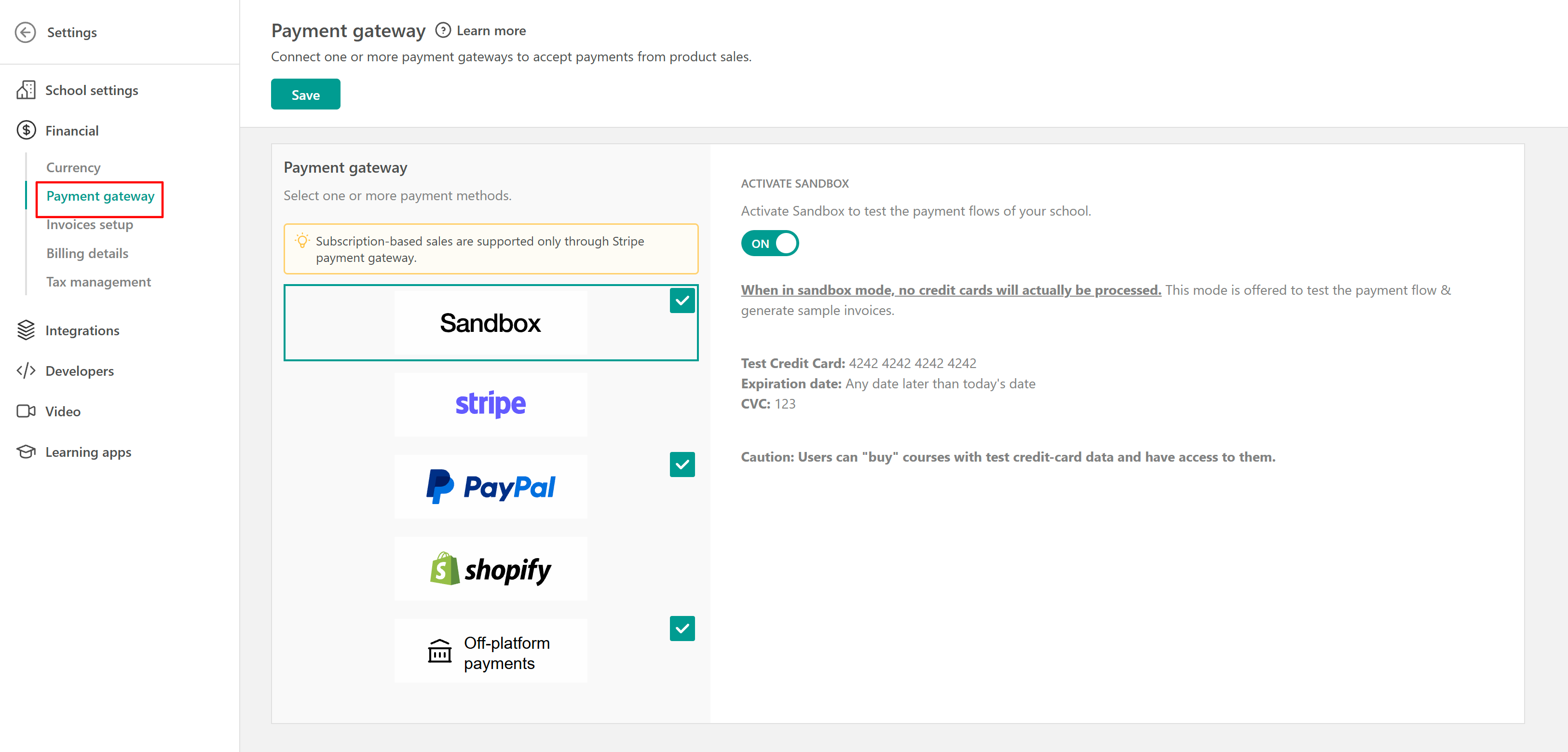
Select a Payment gateway
Depending on the Payment Gateway you want to use, you can follow the instructions in the following articles:
You can accept payments from popular payment methods via Stripe, like Apple Pay, Google Pay, Klarna, and Afterpay/Clearpay, and also widespread in some countries/regions services such as iDEAL, Przelewy24, Bancontact, and Boleto.
Sandbox is used for testing purposes. A test environment before launching your school is ideal!
 You can connect multiple payment gateways with your LearnWorlds school. However, if you choose to connect Shopify as your Payment gateway, you cannot connect any of the additional Payment Gateway options we offer.
Important notes and tips
Subscription Sales:
Installment Plans:
- Stripe (Pro Trainer plans or higher) allows you to sell courses in installments.
- You can also create installment payment buttons with PayPal.
Shopify Exclusivity:
- Connecting Shopify as your payment gateway disables other LearnWorlds-supported gateways.
Sandbox Testing:
- Use the sandbox mode to test your setup in a secure environment before launching.