In this article, you'll discover how to incorporate animations into the elements within your page's sections, adding a dynamic and captivating dimension to your web design.
1. Navigate to Website → Design → Edit Website
2. Choose the desired page from the Pages Manager.
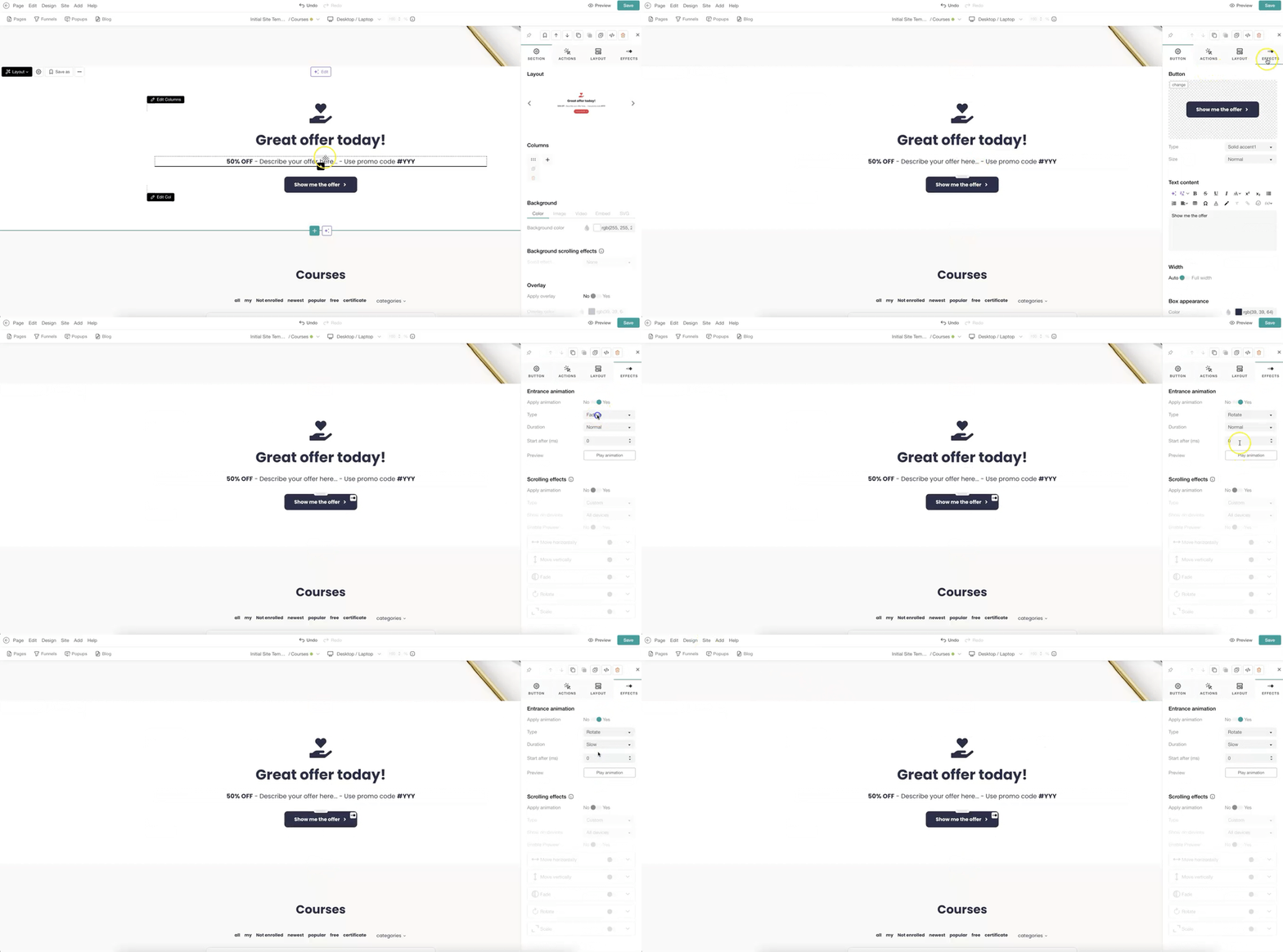
3. Select the element (text or button) you wish to add an animation to. Once clicked, the sideform pops up to edit your element.
4. Go to Effects and enable Entrance Animation.
5. Set up the animation type, the duration of the animation, and start time (e.g. after 3ms).
6. Check how the animation will show by clicking on Play animation.